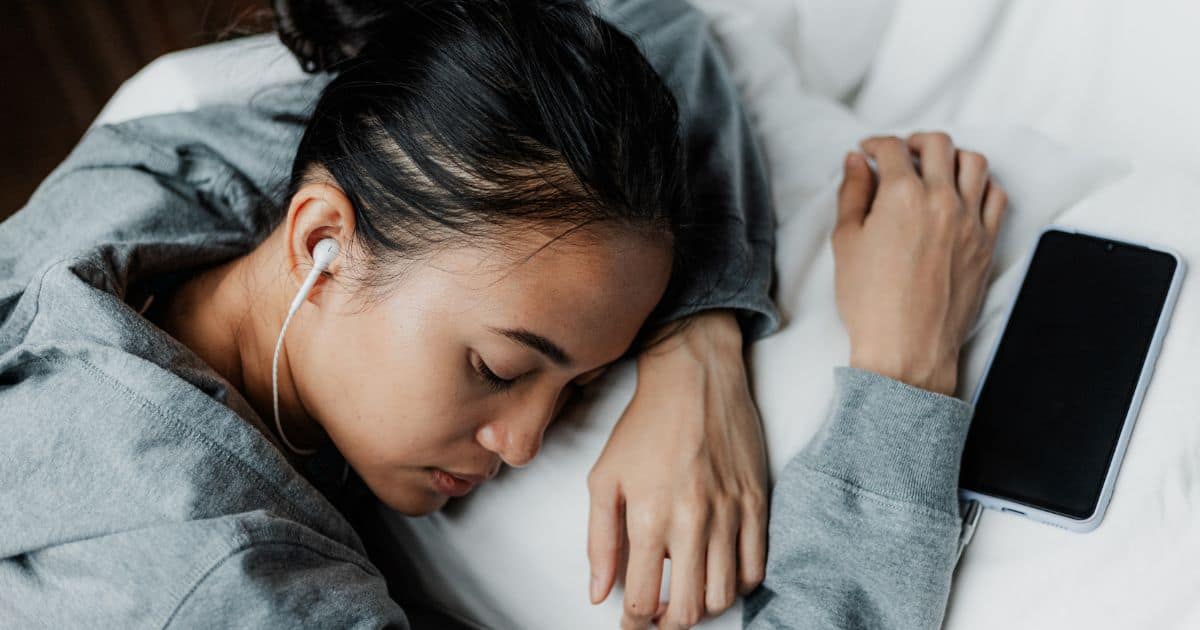
Do you struggle to fall asleep at night? The reason might be something you’ve never even thought about. If you scroll through social media on your phone before bed, blue light and sleep could be at the heart of your problem. The blue light emitted by your phone’s display can have a major impact on how easily you drift off. Looking at blue light before bed is genuinely harmful — it affects your body, and many people find it much harder to fall asleep as a result. In this article, we’ll take a closer look at blue light, explain how to turn it off on your phone, show you whether the iPhone can block blue light, and explore other ways to avoid blue light before bedtime.
What is blue light? Where do we encounter it?
Blue light is light with a short wavelength and very high energy. Its wavelength ranges from 380 nm to 500 nm — one of the shortest in the visible spectrum. Blue light is most commonly emitted by computer monitors, TVs, smartphones, and tablets. Sunlight also contains a blue component, but that alone isn’t harmful. The real problem lies in how long you’re exposed to blue light and how close you are to the source. Many of us are exposed to blue light for as much as 10 hours a day!
What does blue light do to your body?
You might not even realise it, but blue light can be seriously harmful. This short-wavelength light passes through the cornea and lens of the eye, reaching all the way to the retina. The problem is that when your eyes absorb blue light, melatonin production is suppressed. And melatonin is one of the key ingredients for falling asleep quickly. This hormone makes you feel drowsy, helping you nod off faster. During the day, blue light can actually be useful because it keeps you more alert — but come evening, everything catches up with you and you’ll likely struggle to fall asleep. Blue light throws off your internal clock, directly affecting both your sleep and how you function during the day. On top of that, excessive blue light exposure can cause headaches, red eyes, dry eyes, and in some cases even blurred vision.
How long before bed should you avoid blue light?
There are plenty of sources and varying recommendations on how long before bed you should start blocking blue light. You’ll often read that stopping blue light exposure at least one hour before sleep is the bare minimum. Instead of staring at your phone screen, try listening to a podcast or reading a book. Some sources suggest you should start blocking blue light 2–3 hours before bedtime for even better results.
How to block blue light before bed
We’ve already covered why blue light before bed is harmful — but how do you actually tackle it and fall asleep more easily? Want to drift off contentedly and wake up full of energy? One option is to use blackout blinds or curtains to prevent outside light from streaming into the room. At least an hour before bed, stop watching TV, put down your phone, and step away from the computer. We recommend blocking blue light in the evening. You can do this with smart bulbs that shift to a warm orange tone in the evening. If you like to read before sleep, an orange-tinted lamp can be a great choice too. You can read about first-hand experience with one such lamp on Jaktovybrat.cz, where they tested one in detail.
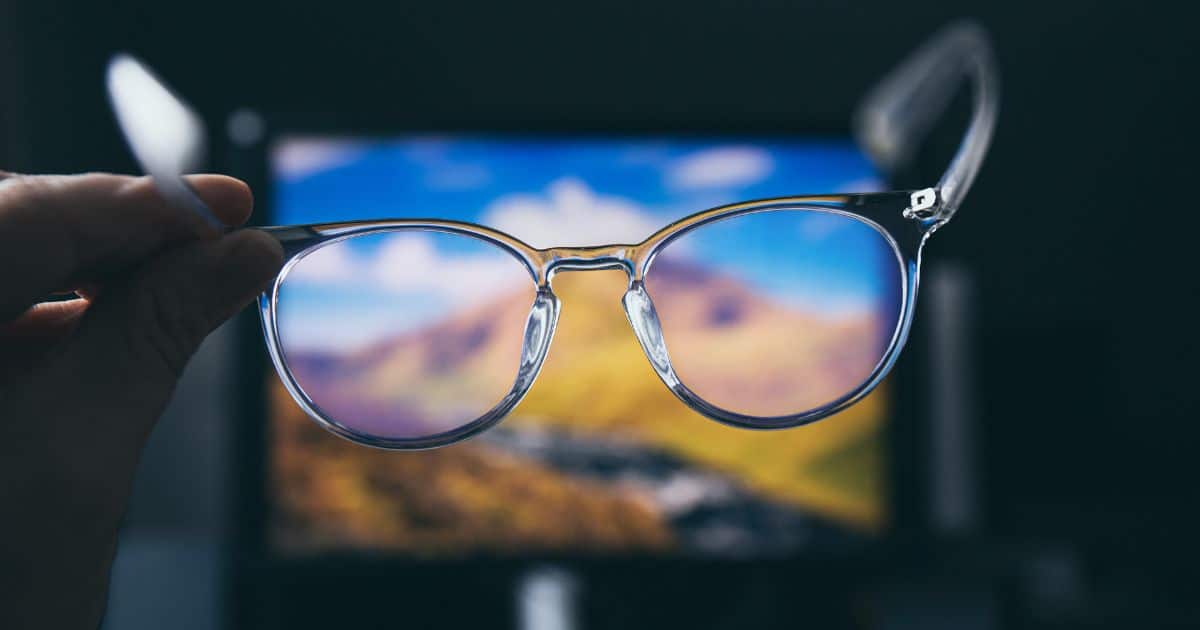
You can also use various filters and apps on your computer, enable night mode on your smartphone, or try blue light blocking glasses. To reduce eye strain from blue light further, make sure your monitor angle is set correctly and choose a matte screen that produces less glare.
How to turn off blue light on iPhone and Android
Thankfully, smartphone manufacturers have thought about those of us who want to use our phones without being blasted by blue light. Turning off blue light on an iPhone is very straightforward. These devices have a built-in feature called Night Shift — a setting that gradually shifts the display’s colours towards warmer tones, moving away from blue light. The great thing is that in the morning, your iPhone automatically switches back to normal colours.
How do you enable Night Shift on an iPhone? You can do it from the Control Centre — press and hold the brightness slider, then tap the Night Shift button to toggle it on. Alternatively, go to Settings → Display & Brightness, where you’ll find the Night Shift option. On this screen you can schedule when the mode turns on and adjust the colour temperature. Android smartphones can block blue light too. Typically, you just go to Settings → Display and turn on Night Light (or a similar option, depending on the manufacturer).
Is blue light really harmful to sleep — and what can you do about it?
We’re glad you’ve made it to the end of this article. Blue light genuinely is harmful, and it’s something you need to take into account. It reduces melatonin production, which is why you don’t feel tired when you should. If you want to fall asleep quickly and keep your circadian rhythm in check, filtering blue light before bed is essential. Just think about how many hours you spend in front of a computer, phone, or TV each day — for most of us, the number is surprisingly high.
If you have an iPhone, you can use Night Shift to block blue light at night, and Android phones offer a similar feature. Blue light blocking glasses and screen filters can help too. Blue light is all around us in the modern world, and we voluntarily expose ourselves to more of it every day. All it takes is a moment of awareness — and you can take a step towards better sleep starting today.